


Magento 2 FedEx Auto Address Checker for Accurate Shipping
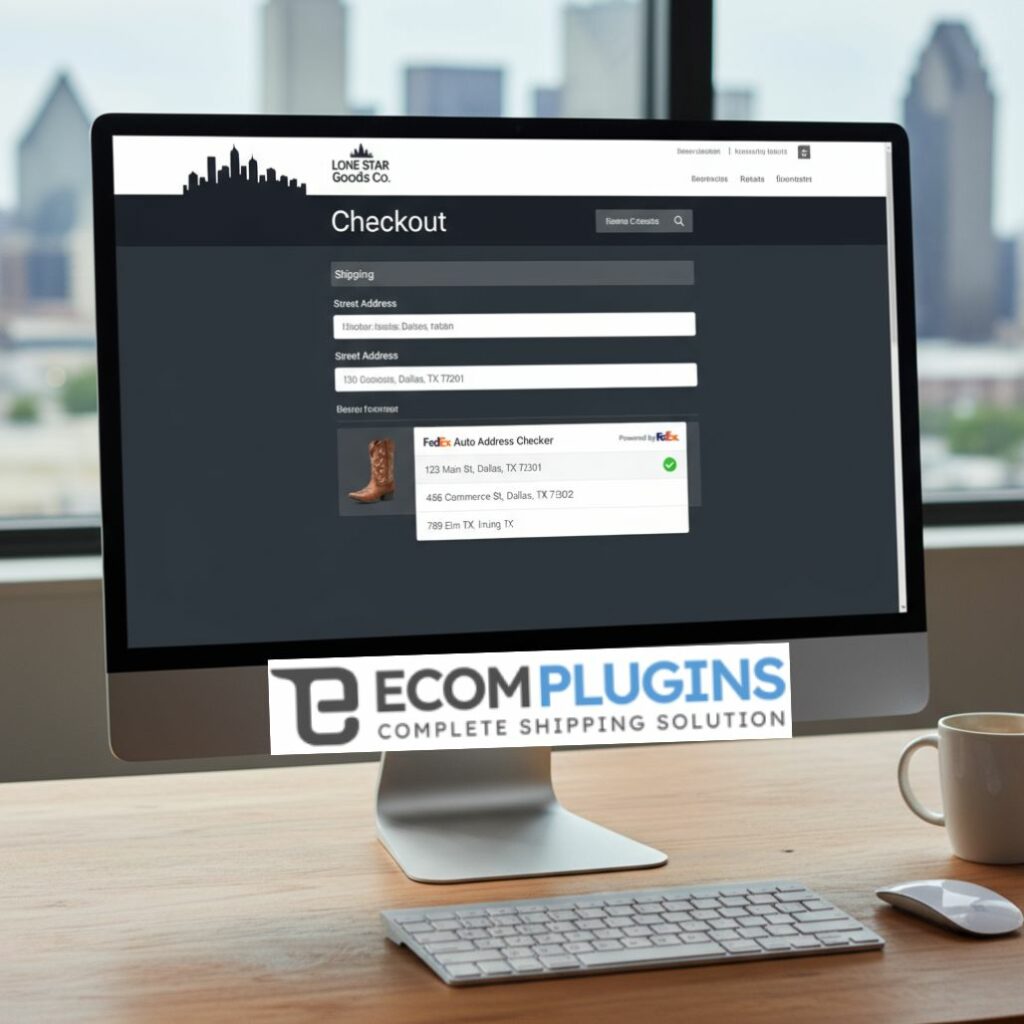
In the bustling e-commerce scene of Dallas, accuracy in shipping details can make or break a customer’s experience. Businesses using Magento 2 look for reliable solutions to ensure that every package reaches the intended destination without delay. This is where the Magento2 FedEx address validation and the FedEx auto address checker module come into play, offering a seamless and automated way to verify shipping addresses during checkout.
What is Magento2 FedEx Address Validation?
Magento2 FedEx address validation is an integration that connects your Magento 2 store checkout with the FedEx Address Validation API. It checks and verifies the shipping address entered by customers in real time. This ensures that the address is correct and deliverable by FedEx, reducing the chances of shipping errors, returns, and additional correction costs.


How Does the FedEx Auto Address Checker Module Work?
The FedEx auto address checker module uses FedEx’s REST API to validate and auto-correct addresses at the checkout page. When a customer types in their address, the module sends the address details including street, city, zip code, state, and country to FedEx’s database. FedEx then checks the authenticity and correctness of the address and returns suggested addresses if there are any mismatches or errors.
Store administrators in Dallas can enable or disable the module easily from the Magento admin panel, giving full control over the validation feature. Enabling this feature during the checkout ensures that only verified addresses pass through, eliminating delays caused by incorrect addresses.
Benefits of Using Magento2 FedEx Address Validation
Implementing the FedEx auto address checker module in your Magento 2 store offers numerous advantages:
Reduced Shipping Errors: Validated addresses mean fewer returns and lost parcels.
Improved Customer Experience: Customers get immediate feedback and suggestions for address corrections.
Cost Savings: Avoid extra fees charged by FedEx for incorrect or incomplete addresses.
Automation: The process is seamless and requires no manual intervention.
Compliance and Accuracy: Ensures addresses conform to FedEx’s real-time database for U.S. and international deliveries.
Key Features of the FedEx Auto Address Checker Module
Real-time address verification and suggestions.
Auto-fill and correction support to minimize customer errors.
Configuration options available in Magento admin for easy enable/disable.
Supports residential and commercial address differentiation, which affects shipping charges.
Integration with FedEx REST API, ensuring updated address data.
Fully compatible with Magento 2’s latest versions and checkout processes.
How to Configure the FedEx Auto Address Checker in Magento 2
Get FedEx API Credentials: Sign up for a FedEx Developer account and obtain the API access key, password, and account number.
Install the Module: Download and install the FedEx auto address checker extension from trusted sources like EcomPlugins.
Configure Module Settings: Go to the Magento admin panel, navigate to Stores > Configuration > Techgroup > FedEx Address Validation, and input your FedEx credentials.
Enable Address Validation: Toggle the feature ON to activate real-time address checking.
Test the Integration: Place test orders to verify the accuracy of address validation and suggestions.

Why Dallas Merchants Should Use Magento2 FedEx Auto Address Checker
Dallas is a large metropolitan area with diverse neighborhoods and a complex addressing system. Using Magento2 FedEx address validation helps Dallas-based merchants:
Navigate and comply with rigorous FedEx shipping standards.
Avoid costly delays and returns due to incomplete or invalid addresses.
Provide a smoother checkout experience that encourages repeat business.
Trending FAQs
Q1: What if FedEx does not find my customer’s address?
A: If the FedEx API cannot verify the address, the module allows customers to use the original address entered or select the closest suggested options.
Q2: Is the FedEx address validation service free?
A: FedEx may require activation of address validation for your account. Some usage might incur fees, so contact FedEx support for details.
Q3: Can I customize the address suggestions on checkout?
A: Yes, the module provides flexible settings in Magento admin that can control how suggestions appear.
Q4: Does the module differentiate between residential and commercial addresses?
A: Yes, this differentiation helps in applying the correct shipping charges and service options.
Q5: Will this module slow down the checkout process?
A: The integration is optimized for performance to provide real-time validation without significant delays.
Key Changes and Additions in 2025
Enhanced compatibility with Magento 2.4.x and later versions.
Improved address suggestion algorithms from FedEx API.
Better administrative controls for ease of use.
Support for expanded U.S. and international address databases.
Optimized API calls for faster validation and checkout experience.
Conclusion
For Magento 2 store owners in Dallas aiming for accurate shipping and superior customer satisfaction, using the Magento2 FedEx address validation with the FedEx auto address checker module is essential. It reduces the overhead of incorrect shipping addresses, lowers operational costs, and enhances the buying experience by resolving address issues instantly. This alignment with FedEx’s robust shipping infrastructure highlights how technology integration is key to smooth e-commerce operations in 2025.
For more details, visit EcomPlugins Magento2 FedEx Auto Address Checker.